
AI Receptionist for Plumbing Companies: Capture More Calls and Book More Jobs
September 07, 2026
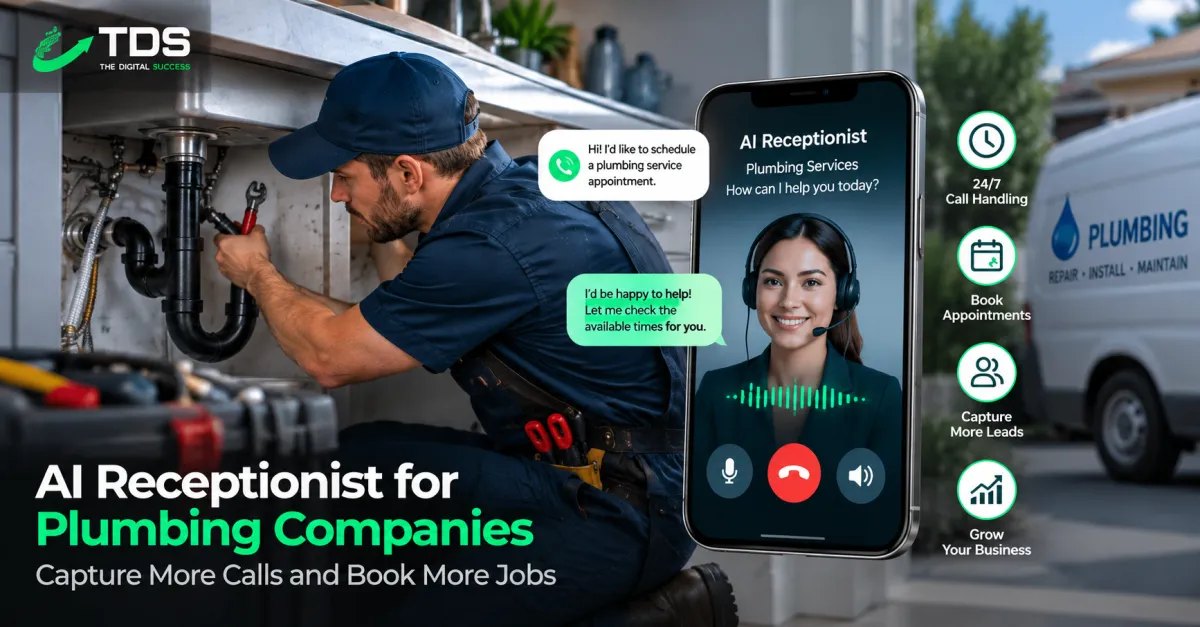
A ringing phone can mean a clogged drain, burst pipe, failed water heater, or valuable installation estimate. But plumbers cannot always answer while driving, working in a crawlspace, or speaking with a customer. An AI receptionist for plumbers helps close that response gap by answering calls, collecting job details, booking eligible appointments, and routing urgent requests according to your rules.
This is not simply voicemail with a synthetic voice. When properly configured, a plumbing AI receptionist becomes part of your front-office workflow. It can help your company respond consistently after hours, reduce repetitive work for dispatchers, and move qualified callers toward the right next step.
What Is an AI Receptionist for Plumbers?
An AI receptionist is a voice-based system that answers inbound calls and conducts a natural conversation using approved business information and workflows. For a plumbing company, that may include identifying the service requested, confirming the service address, checking whether the location is inside the service area, and offering an available appointment.
Unlike a basic phone menu, callers do not have to listen to a list of options and press buttons. They can explain the problem in their own words. The system can then follow the relevant call path, whether the caller reports a leaking fixture, sewer backup, no hot water, remodeling project, or another plumbing need.
A professionally built AI voice agent for plumbing call handling can also connect with calendars, customer relationship management software, notifications, and follow-up automations. Those integrations are what turn a voice tool into a practical booking and lead-response system.
How Plumbing Call Automation Works
Effective plumbing call automation should reflect how your office already evaluates calls. A typical workflow looks like this:
- Answer the call: The AI greets the caller using your plumbing company’s name and an approved introduction.
- Identify the reason for calling: It determines whether the caller needs service, wants an estimate, is checking an existing appointment, or has another request.
- Gather essential information: The system collects the caller’s name, phone number, service address, problem description, and relevant property details.
- Apply service rules: It checks service area, business hours, job type, customer category, and any scheduling restrictions you define.
- Book or escalate: Qualified calls can be offered approved time slots. Calls requiring judgment can be transferred or sent to a dispatcher for review.
- Update connected systems: The conversation summary and contact data can be added to your CRM, scheduling system, or team notification channel.
- Trigger follow-up: The caller may receive a confirmation message, intake form, reminder, or callback notice.
The goal is not to automate every decision. It is to automate predictable parts of the conversation while giving people a clear path to a team member when necessary.
High-Value Use Cases for Plumbing Companies
After-hours and overflow call answering
Many homeowners call the first plumbing company that responds clearly. A plumber answering service AI can answer when the office is closed or when staff members are already on other calls. It can capture the opportunity instead of sending the caller to a generic voicemail box.
Emergency call triage
The AI can ask targeted questions about active water flow, sewage, affected fixtures, property access, and location. Based on your written rules, it can alert an on-call employee, offer the next available appointment, or explain that a team member must confirm emergency availability.
The receptionist should not provide unsafe repair instructions or make claims it cannot verify. Its role is to collect information and route the caller appropriately. Scripts can also advise callers to contact emergency services or a utility provider when a situation falls outside normal plumbing support.
Appointment booking
Plumbing appointment booking AI can offer slots based on job category, service zone, operating hours, and technician availability. For example, a standard faucet repair may follow a different scheduling path than a sewer-line inspection or commercial water-heater request.
Lead qualification for larger projects
Not every call is an immediate repair. The system can collect preliminary details for repipes, bathroom remodels, water treatment systems, commercial projects, and equipment replacements. Your estimator receives a structured summary rather than an incomplete voicemail.
Existing-customer routing
Callers may need to reschedule, ask about technician arrival, discuss an invoice, or follow up on completed work. The AI can identify the request and route it without placing every administrative task in the new-lead queue.
Practical Call Examples
Consider a homeowner who calls at 9:30 p.m. and says water is pooling beneath a water heater. The AI confirms the address, asks whether water is actively flowing, records the unit type if known, and checks whether the property is inside the emergency service area. It then follows the company’s escalation rules and sends the on-call technician a concise summary.
In another example, a property manager calls about slow drains in several apartment units. Instead of treating the request as a simple residential drain cleaning, the receptionist collects the property name, number of affected units, access requirements, and preferred callback time. The request is routed to the employee responsible for commercial or multi-unit work.
A third caller wants a quote for replacing a standard water heater. The AI gathers the current unit type, approximate capacity, location, fuel source, and desired timing. If direct booking is appropriate, it offers an estimate appointment. If not, it creates a qualified callback task.
Benefits Beyond Answering the Phone
The most useful systems connect phone conversations to the rest of the customer journey. A booking can trigger a confirmation. An unbooked estimate request can enter a follow-up sequence. A missed transfer can create a priority callback task. A completed appointment can later trigger a review request or maintenance reminder.
This connected approach is why many contractors evaluate AI reception as part of a larger operational system rather than as a standalone answering tool. The Digital Success done-for-you growth systems can connect AI business automation, CRM workflows, websites, advertising, and marketing follow-up around the way a plumbing business actually handles leads.
What to Look for Before Choosing a System
- Natural conversations: Callers should be able to interrupt, clarify, and speak normally without getting trapped in a rigid script.
- Custom plumbing workflows: The system should recognize your job types, service areas, escalation policies, and scheduling rules.
- CRM and calendar integration: Data should move into the tools your staff uses instead of creating another isolated inbox.
- Human transfer options: Callers need a reliable escalation path for sensitive, unusual, or high-value situations.
- Call summaries and transcripts: Staff should be able to review what the caller reported and what action was taken.
- Controlled knowledge: Responses should come from approved information about your business, not improvised promises.
- Testing and ongoing improvement: Call paths should be reviewed as services, staffing, seasons, and policies change.
Common Implementation Mistakes
One common mistake is launching with a generic script. Plumbing companies have different emergency definitions, trip-charge policies, service boundaries, brands serviced, and dispatch procedures. The AI needs company-specific rules.
Another mistake is allowing the system to promise arrival times, prices, or service availability that have not been confirmed. Use careful language and require human approval where the answer depends on field conditions.
Companies also run into problems when they automate booking without planning for travel zones, appointment duration, technician skills, or buffer time. A calendar connection alone does not create a sound dispatch workflow.
Finally, do not ignore exception handling. Callers may have poor reception, speak unclearly, provide an incomplete address, request an unsupported service, or ask for a specific employee. Each scenario needs a fallback action.
How to Implement an AI Receptionist for Plumbers
- Audit current calls. List common call reasons, frequent questions, qualification criteria, and situations that require immediate escalation.
- Define the initial scope. Start with a focused use case such as after-hours answering, overflow coverage, or new-service booking.
- Document operating rules. Include service ZIP codes, hours, supported services, emergency policies, booking windows, and transfer contacts.
- Map integrations. Decide what should be saved in the CRM, how appointments should be created, and which team members receive alerts.
- Write conversational scripts. Keep questions brief, avoid unnecessary technical language, and explain why sensitive information is being requested.
- Test realistic scenarios. Run emergency, routine, commercial, out-of-area, rescheduling, billing, and wrong-number calls before launch.
- Launch in phases. Begin with a controlled call window or overflow condition, then expand based on reviewed conversations.
- Optimize regularly. Review failed bookings, transfers, caller confusion, and staff feedback to improve the workflow.
For companies that do not want to assemble voice technology, CRM logic, follow-up, and reporting separately, a done-for-you AI marketing automation system can connect call handling with the broader lead-to-customer process.
Evaluating ROI Without Relying on Hype
Do not judge an AI receptionist only by the number of calls answered. Track business outcomes that reflect your actual goals: qualified calls captured, eligible appointments booked, response time, manual call workload, transfer accuracy, after-hours opportunities, and show rates.
Compare the value of qualified jobs influenced by the system with its setup, software, usage, maintenance, and staff-review costs. Also consider whether the system reduces interruptions for dispatchers and technicians. Results will depend on call volume, average job value, existing answer rate, workflow quality, and how consistently the team follows up.
Frequently Asked Questions
Can an AI receptionist replace a plumbing dispatcher?
It can handle repetitive intake and booking tasks, but dispatch decisions often require human judgment. Many companies use AI to support dispatchers rather than replace them.
Can it answer emergency plumbing calls?
Yes, it can collect information and follow predefined escalation rules. It should not diagnose hazards, guarantee response times, or provide unapproved safety advice.
Can it book directly into our calendar?
It can when the selected platform supports your calendar or scheduling software and your booking rules are clearly defined. Complex jobs may still require manual confirmation.
Will callers know they are speaking with AI?
Your greeting and disclosure approach should be reviewed based on applicable laws, platform capabilities, and company preferences. Be transparent and provide a human option when appropriate.
Is an AI receptionist only useful after hours?
No. It can also manage daytime overflow, qualify estimate requests, route existing customers, confirm appointments, and create follow-up tasks.
Build the System Around Your Plumbing Operation
An AI receptionist works best when it mirrors your real service policies and connects each call to a clear next action. Start with a specific call-handling problem, document the rules, integrate the right systems, and review performance regularly. The result is a more consistent front desk that supports customers and staff without pretending every plumbing call can—or should—be fully automated.
Put the ideas to work.
We can map the right system for your business.