
CRM Automation for Roofing Companies: From Lead to Closed Job
September 08, 2026
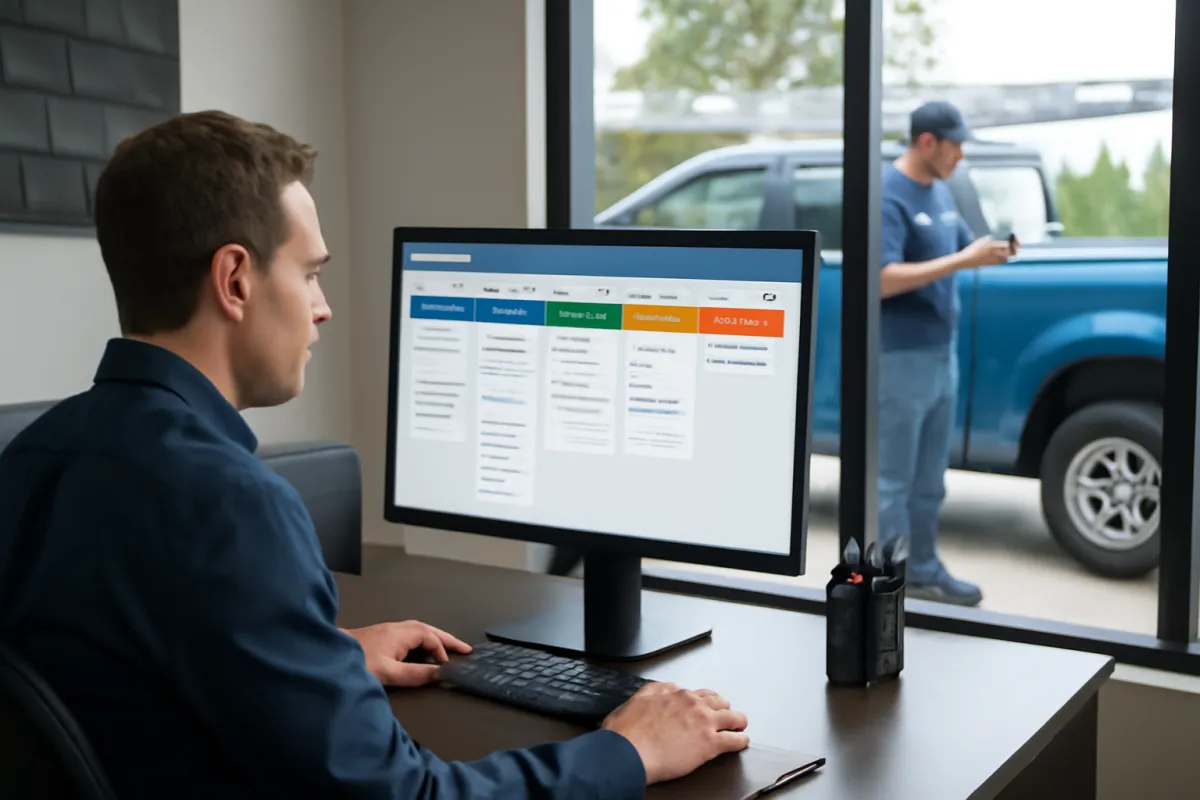
Roofing leads move quickly. A homeowner may submit several estimate requests, call multiple contractors, or need immediate help after a storm. If your team relies on spreadsheets, inboxes, and memory, valuable opportunities can fall through the cracks.
CRM automation for roofing companies creates a consistent process from the first inquiry to the signed contract. It captures lead details, assigns follow-up tasks, tracks estimates, and keeps homeowners informed without requiring your team to manage every step manually.
Why Roofing Companies Need More Than a Contact Database
A basic contact list tells you who a prospect is. A roofing CRM should tell your team what needs to happen next.
Roofing sales involve multiple touchpoints: initial qualification, inspection scheduling, on-site assessment, estimate preparation, insurance coordination, contract approval, production handoff, and post-job follow-up. Without one shared system, sales representatives may duplicate calls, forget estimates, or lose track of homeowners waiting for insurance decisions.
Effective roofing lead management gives office staff, estimators, sales representatives, and managers a shared view of every opportunity. Automation then handles repeatable actions, such as sending appointment confirmations or reminding a representative to call after an estimate.
How CRM Automation for Roofing Companies Supports the Sales Pipeline
The best automation follows a clearly defined roofer sales pipeline. Each stage should reflect a real milestone rather than a vague label such as “open” or “pending.” A practical pipeline might include the following stages.
1. New Lead Captured
Leads can enter from website forms, landing pages, paid ads, referral campaigns, inbound calls, or manual entry. The CRM should record the source, contact information, property address, service requested, and relevant notes.
An immediate email or text can confirm that the request was received. The system can also notify the correct salesperson based on territory, job type, or lead source.
2. Contact and Qualification
The first conversation should confirm the property location, roofing issue, homeowner status, urgency, and whether insurance may be involved. Automation can create a call task, send a reminder if no contact is made, and move unresponsive leads into a structured follow-up sequence.
Inbound calls also need a plan for evenings, weekends, and busy storm periods. An AI voice agent for missed-call handling can answer common questions, collect project details, and help request an inspection when office staff cannot pick up.
3. Inspection Scheduled
Once an appointment is booked, the homeowner should receive a confirmation containing the date, time, company information, and preparation instructions. Automated reminders can reduce confusion while internal notifications help the assigned representative prepare.
4. Inspection Completed and Estimate Sent
Completing an inspection should trigger the next workflow. The CRM can create an estimate task, notify office staff that photos or measurements are available, and record when the proposal is sent.
This stage is where many roofing opportunities stall. Roofing follow up automation can schedule a personalized check-in after the homeowner has had time to review the proposal. If the homeowner replies, books a call, or signs, the general sequence should stop so the salesperson can take over.
5. Decision, Insurance, or Financing
Not every homeowner is ready to sign immediately. Use separate statuses for insurance review, financing, comparing bids, future replacement, and no decision. That gives the team useful context and prevents every delayed opportunity from receiving the same messages.
6. Closed Job and Production Handoff
When the contract is signed, automation can notify operations, create onboarding tasks, request required documents, and send the homeowner a next-steps message. The CRM should preserve the sales history while making ownership of the job clear.
High-Value Roofing CRM Automations
Automation works best when it removes routine administrative work without making communication feel robotic. Useful workflows include:
- Speed-to-lead response: Confirm new inquiries and alert the assigned representative immediately.
- Missed-call follow-up: Send a helpful text asking what type of roofing service is needed.
- Appointment reminders: Send confirmations and reminders while giving homeowners a way to reschedule.
- Estimate follow-up: Create call tasks and send measured follow-ups after proposals are delivered.
- Stale opportunity alerts: Notify a manager when a qualified lead has not received activity within a defined period.
- Long-term nurturing: Keep in touch with homeowners who are planning a future replacement but are not ready today.
- Post-job requests: After confirming satisfaction, request a review or referral and schedule future maintenance communication.
Calls and texts should be based on appropriate consent and opt-out practices. Roofing companies can review the FCC’s official guidance on unwanted calls and text messages and consult qualified legal counsel about their specific outreach processes.
What to Look for in a Roofing CRM
The right platform depends on your operation, but software alone is not the system. Evaluate whether the CRM can support:
- Custom pipeline stages and fields for roofing projects
- Website form, call, email, text, calendar, and advertising integrations
- Lead-source attribution and duplicate-contact controls
- Automated task creation with clear ownership
- Mobile access for field representatives
- Permission controls for office, sales, and management users
- Reporting by lead source, stage, representative, and job type
A well-configured system should make the next action obvious. If employees need extensive workarounds or cannot trust the data, adoption will suffer.
Measuring the Business Value
CRM return on investment should be evaluated using operational and sales indicators rather than message volume alone. Track lead response time, contact rate, inspection booking rate, estimate delivery time, follow-up completion, stage conversion, sales-cycle length, and closed revenue by source.
Also consider time saved on manual data entry and fewer opportunities lost because nobody followed up. Results will vary by lead quality, market conditions, sales process, and team execution, so establish a baseline before changing the workflow.
How to Implement a Roofing CRM Growth System
- Map the current process. Document how leads arrive, who responds, how inspections are booked, where estimates are stored, and when jobs move to production.
- Define pipeline stages. Give each stage a specific entry condition, exit condition, owner, and required next action.
- Standardize lead data. Decide which fields are essential, such as service address, roof type, service requested, lead source, insurance status, and appointment date.
- Build essential integrations. Connect forms, calendars, phone systems, email, text messaging, and advertising sources before adding complex workflows.
- Automate priority gaps first. Start with new-lead response, appointment reminders, estimate follow-up, and inactive-opportunity alerts.
- Test real scenarios. Submit test leads, reschedule appointments, reply to messages, and move records through every stage. Confirm that automations stop when a person responds or a deal closes.
- Train by role. Field representatives, office staff, and managers need different views and responsibilities.
- Review and refine. Inspect the pipeline weekly at first, correct incomplete records, and adjust timing based on actual customer behavior.
Companies that want the technology, workflow design, integrations, and follow-up built together can use a done-for-you CRM growth system from The Digital Success rather than assembling disconnected tools internally.
Common CRM Automation Mistakes
- Automating a broken process: Document responsibilities before building workflows.
- Sending generic messages: Reference the service, appointment, or estimate instead of using vague follow-ups.
- Using too many pipeline stages: Keep stages tied to meaningful milestones.
- Failing to stop automation: A homeowner who responds or signs should not continue receiving sales reminders.
- Ignoring data quality: Duplicate records and missing sources weaken reporting and create awkward communication.
A Practical Roofing Lead Example
Imagine a homeowner submits a form for suspected hail damage. The CRM creates a contact, records the advertising source, assigns the territory representative, and sends a confirmation. The homeowner books an inspection through the scheduling link and receives reminders.
After the inspection, the representative updates the record and sends the estimate. If there is no response, the system creates a follow-up task and sends a brief check-in. When the contract is signed, sales reminders stop, operations receives the job details, and the homeowner gets clear next steps. Automation supports the process, but the salesperson remains responsible for advice, objections, and trust.
Frequently Asked Questions
Can a roofing CRM replace salespeople?
No. It handles repetitive communication, task creation, and tracking. Salespeople are still essential for inspections, recommendations, relationship building, and closing conversations.
Should every roofing lead receive the same follow-up?
No. Emergency leaks, retail replacements, insurance claims, commercial projects, and future-planning leads require different timing and messaging.
How quickly should a roofing company automate everything?
Start with one reliable pipeline and a few high-impact workflows. Expanding gradually makes testing easier and reduces the risk of duplicate or conflicting messages.
Can CRM automation work with paid roofing leads?
Yes. Source tracking can show which campaigns produce appointments, estimates, and signed work—not just form submissions. Accurate integrations and consistent pipeline updates are necessary for useful reporting.
Build a System That Keeps Leads Moving
Roofing CRM success depends on combining the right platform with a clear sales process, useful integrations, and human oversight. For companies seeking a broader connection between lead generation, CRM workflows, and customer communication, a done-for-you AI marketing automation system can bring those components into one coordinated growth process.
Put the ideas to work.
We can map the right system for your business.